1
Home
Alby96 edited this page 2026-11-06 16:45:25 +01:00
Chronos
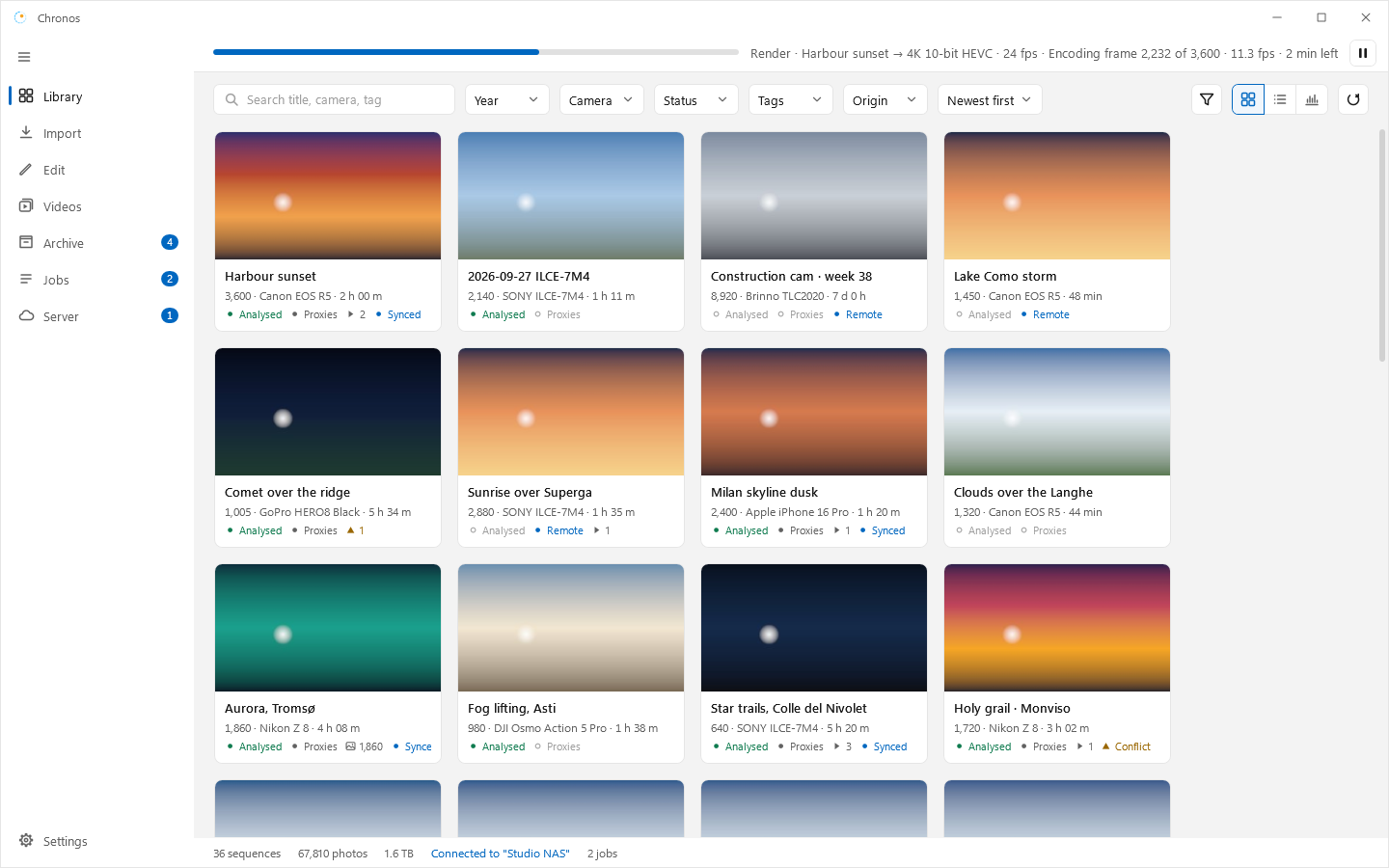
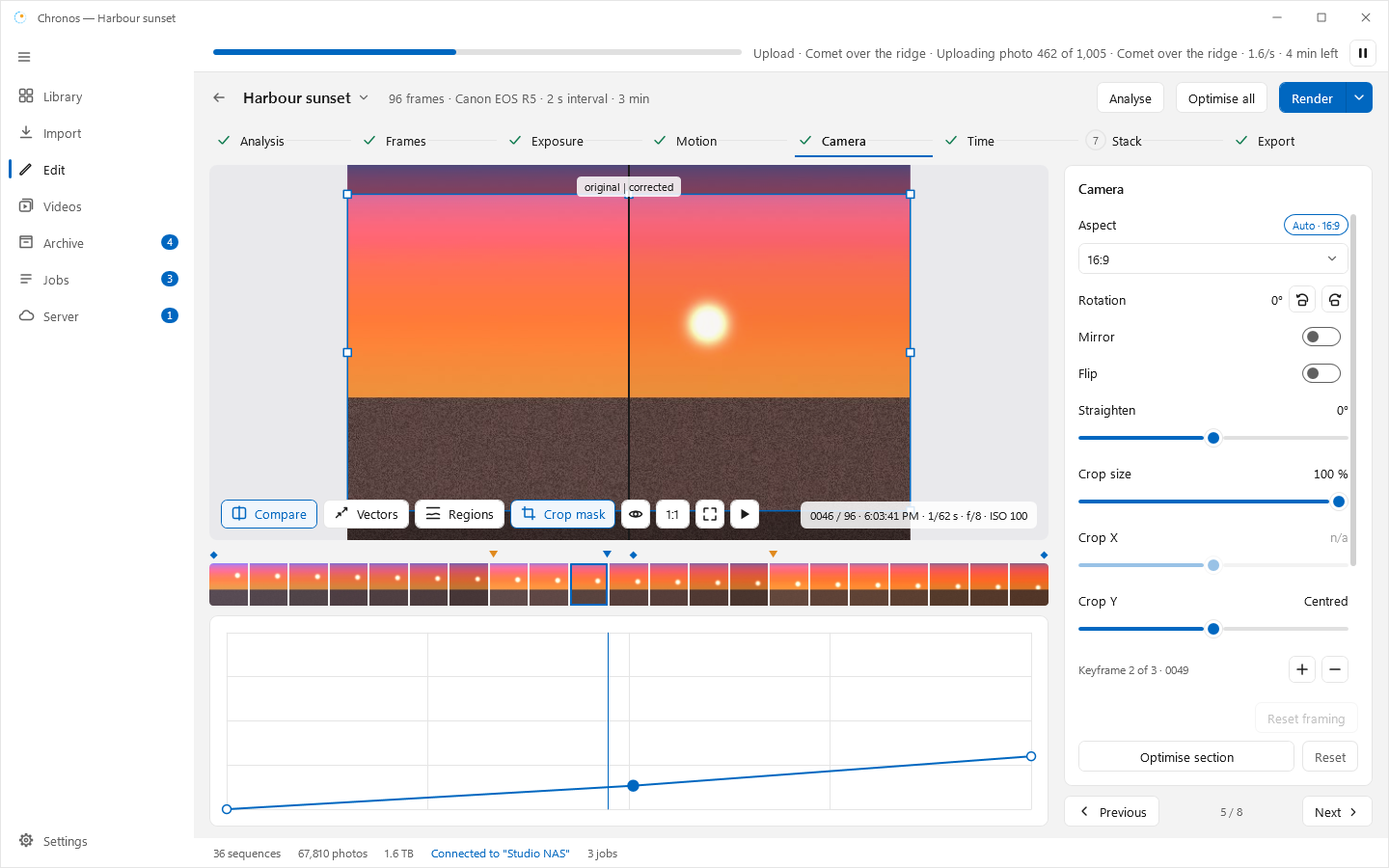
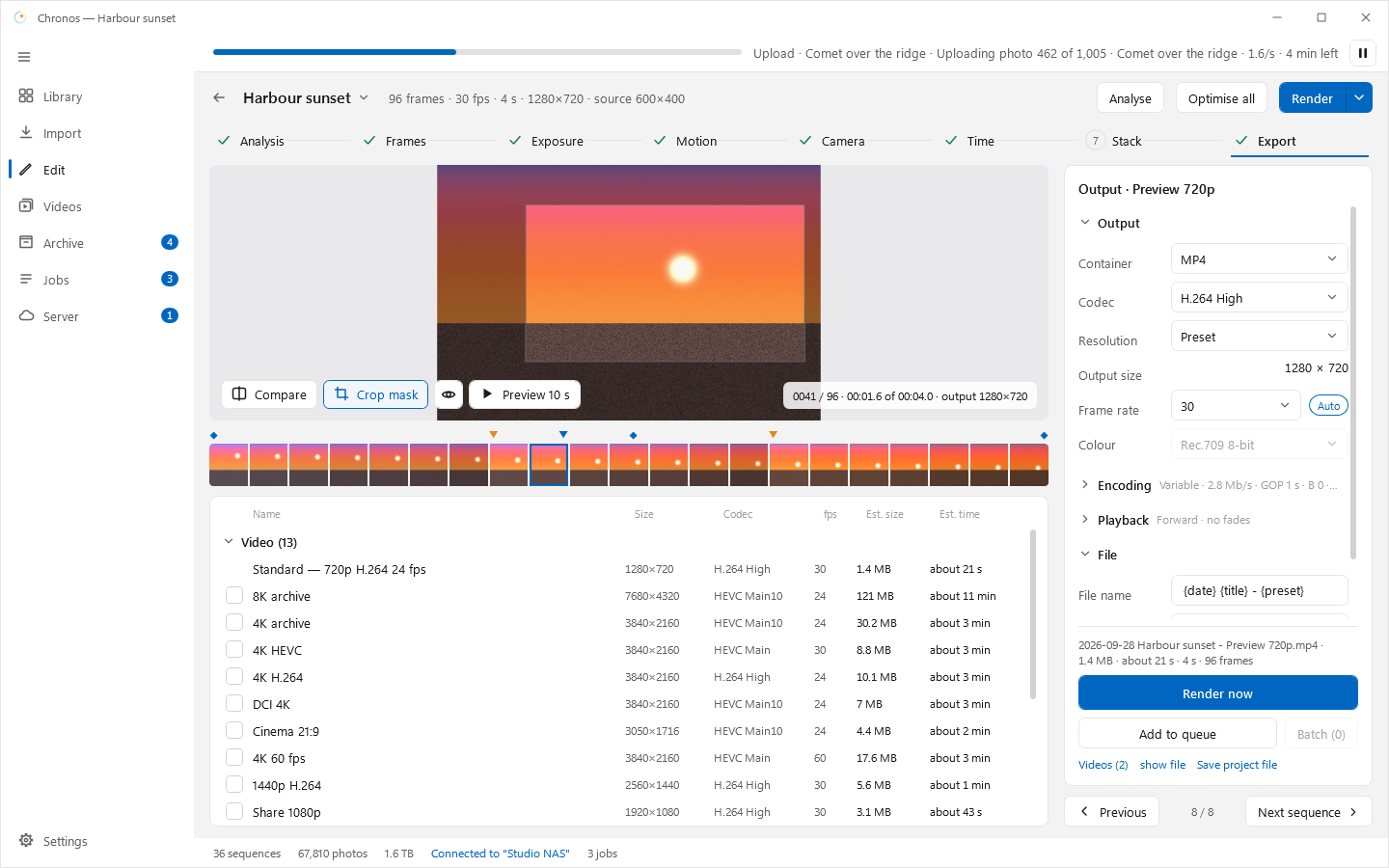
Chronos is a time-lapse toolkit for photographers: import photos from cards, keep them in an archive, analyse and edit sequences, and render videos. It runs on one PC or with a home server.
Components
| Component | What it is |
|---|---|
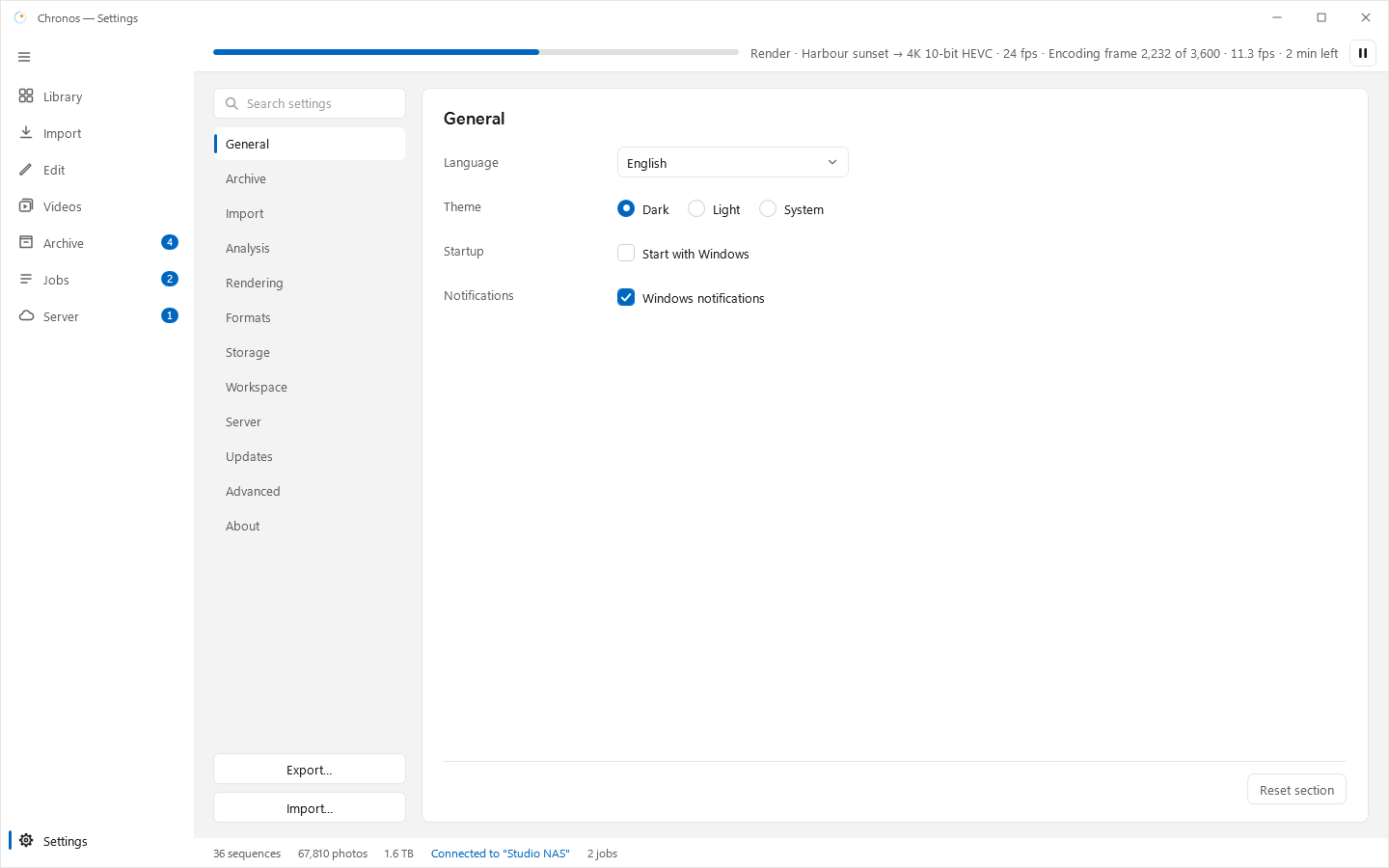
| Desktop | Windows app: Library, Import, Archive, Edit, Videos, Jobs, Settings. |
| Uploader | Small Windows app that watches folders and uploads photos to the server. |
| Setup | One-screen installer and uninstaller for the Windows programs. |
| Server / Docker | Archive server with an admin web panel, render nodes, sync. Runs in Docker (Unraid template included) or as a Windows service. |
Install
- Open Releases and pick the latest version.
- Windows: download the installer (or the portable zip) and check it against
SHA256SUMS. - Server: use the Docker image with the
:latesttag. See Deploy.
Documents (branch main)
- Brief: what Chronos must do. It wins over every other note.
- Status: current phase and next steps.
- Changelog: what changed in each release.
- Design: tokens and controls.
- Original documentation: the first brief, design kit and mockups (lands on
mainwith branchor1-p6).
Wiki pages
- Releases: every tag with date and summary
- Process: how work is tracked
- Deploy: Docker and Unraid notes
Screenshots